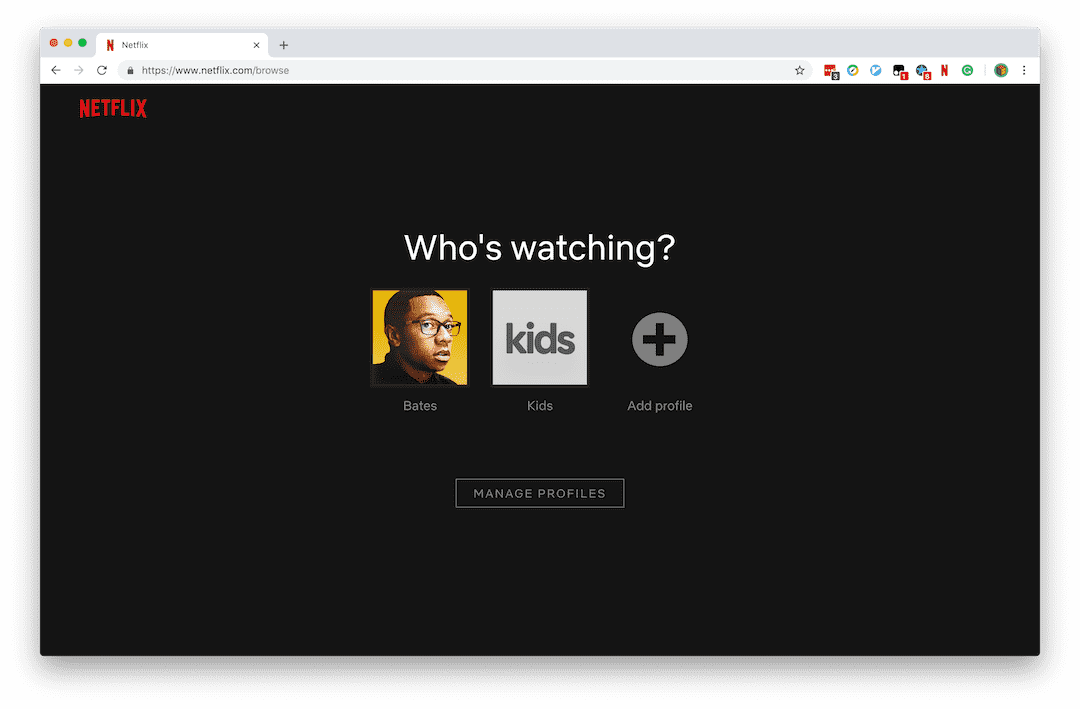
Today I will introduce the tutorial of Netflix registration process.
Registering/changing the region of Netflix account to Turkey is because the price in Turkey is very cheap (exchange rate issue). The most expensive premium package (supporting 4K, up to 4 screens watching at the same time) is only priced at 40TL, about 50 RMB, and the price of sharing is similar to that of domestic video websites.
It should be clarified that the region where the account is located is only related to the bill. That is, if the account is in the Turkish region, the settlement price is the price in the Turkish region. The actual content that can be watched on Netflix is related to the IP address of the device. If the IP address is in mainland China, it will be prompted that it cannot be watched; if the IP address is in Hong Kong/Taiwan/Malaysia/Singapore, you can watch content with Chinese subtitles. If the IP address is in other regions, the content that can be seen will also change.
1. Find a proxy for Turkey
There are many Chrome browser plug-in markets. Just search for turkey vpn and choose the first one, Hide My Ip.
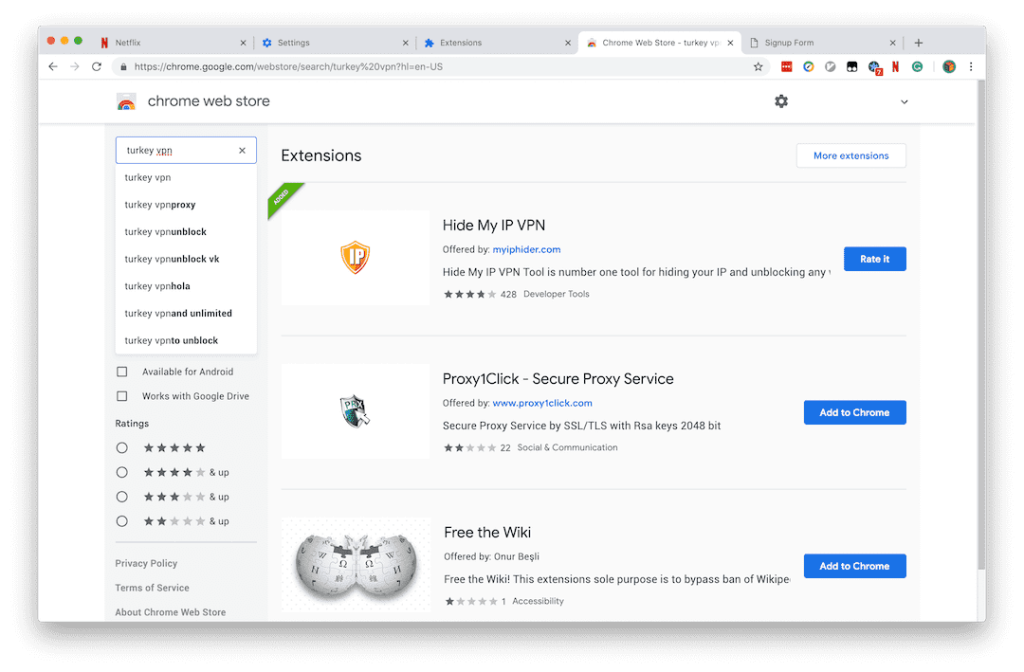
Enter the email password to successfully register. You don’t need to verify whether it is the correct email address. You can try it for 3 days. Select the Turkish proxy, then search the IP on Google to see if your IP has been identified as Turkey.
Note: Registering this plug-in will redirect the Chrome web store to the payment interface of this service. Remember to disable or delete it after use.
If this plugin is no longer available, there are many other similar plugins. It is recommended to choose a trial that does not require email verification and the trial server includes the Turkish region.
2. Registration process
Step 1 Choose a package:
The main differences between the packages have been listed. If you buy with friends, it is recommended to choose the second or third tier package.
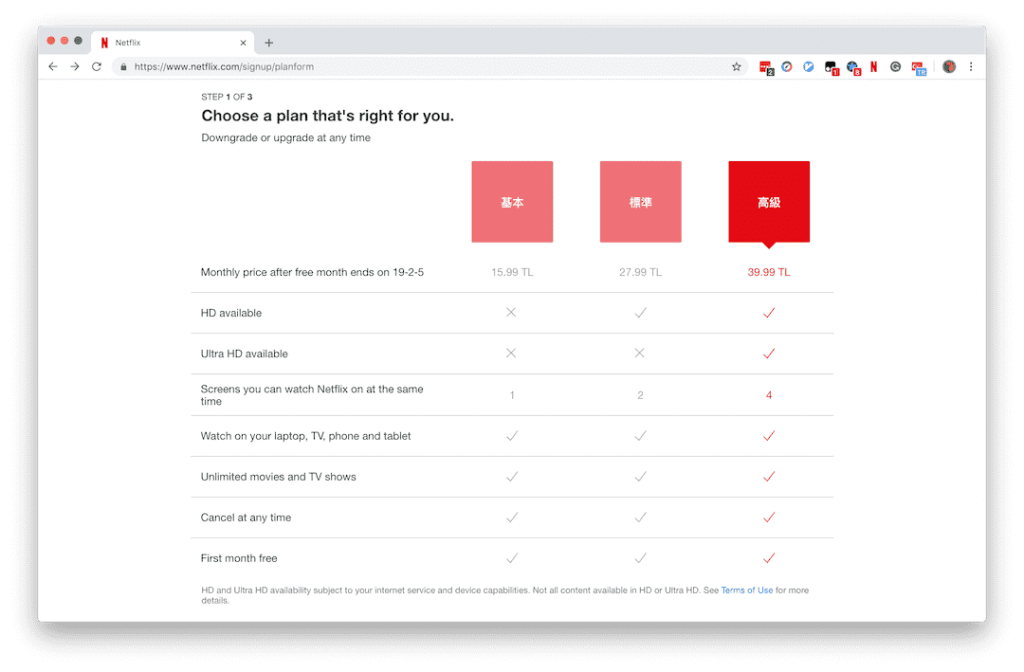
| Tier 1 Basic Package | Tier 2 Standard Package | Tier 3 Premium Package |
| :– | :– | :– |
| Not support HD (720P, 10080P) | Support up to HD (720P, 1080P) | Support up to Ultra HD (4K) |
| Play on up to 1 screen at a time | Play on up to 2 screens at a time | Play on up to 4 screens at a time |
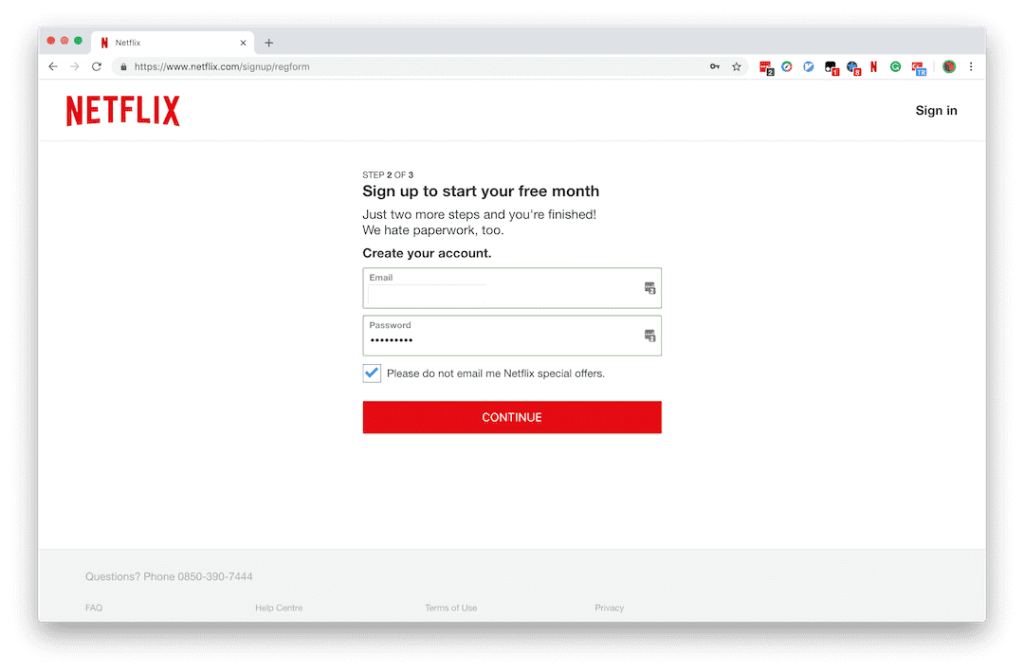
Step 2: Create an account
Note that you need to fill in the real email information. The option below is: Do not send me emails about Netflix recommendations. You can choose as needed.
Now you need to verify your Turkish mobile phone number to register in Turkey
New users may need to fill in their Turkish mobile phone number, and this step cannot be skipped. Because a large number of users register for Netflix in Turkey
Therefore, Netflix has strengthened the identity review. It is recommended to subscribe to other regions such as Hong Kong/US first, and then stop the current subscription as needed. After the end of this billing period, clear the browser cookies, log in with the IP address of the new region and re-subscribe to change the region of the account. For specific tutorials, please refer to the Netflix official website.
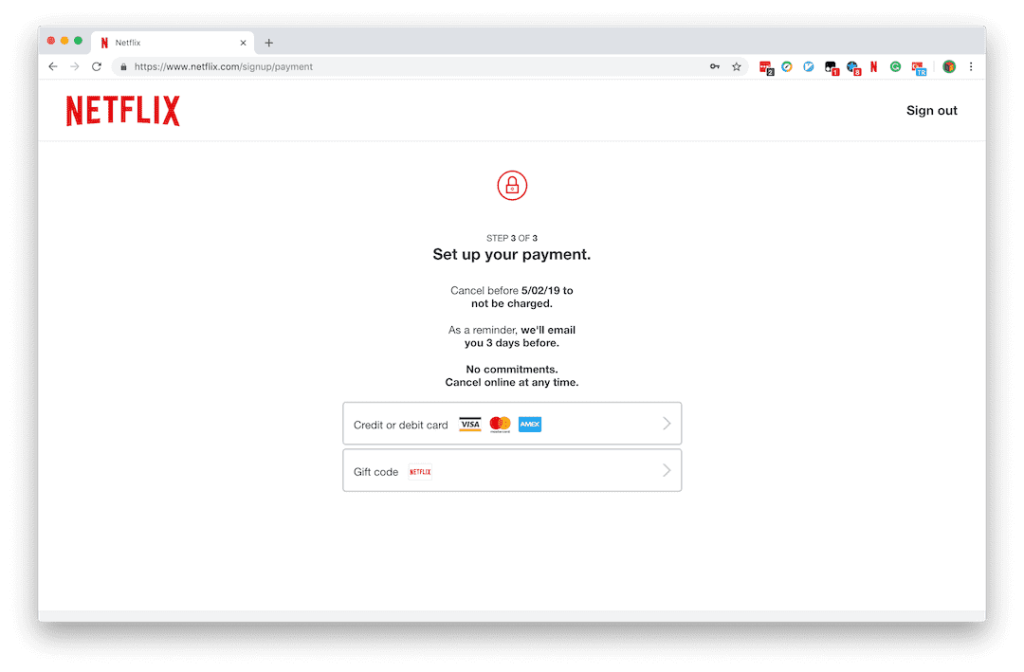
Step 3 Add payment information
Support VISA MASTER AE and gift cards for payment, but not PayPal.
After filling in the credit card information, you will receive a charge of $1 (or the equivalent in local currency). This is a common method used by foreign services to verify whether the credit card is valid. After that, it will prompt that the transaction failed. Don’t worry.
Step 4
You will be asked to select the content you are interested in for intelligent recommendation.
Step 5 Shared Purchase
Netflix supports up to 5 family members to create their own profiles, and each person’s viewing history and preference recommendations are completely separate. When sharing with friends, friends will log in with the same account and password as you and choose their own profile to watch.
At the same time, the profile avatar can be changed to the avatar of the protagonist of your favorite TV series.
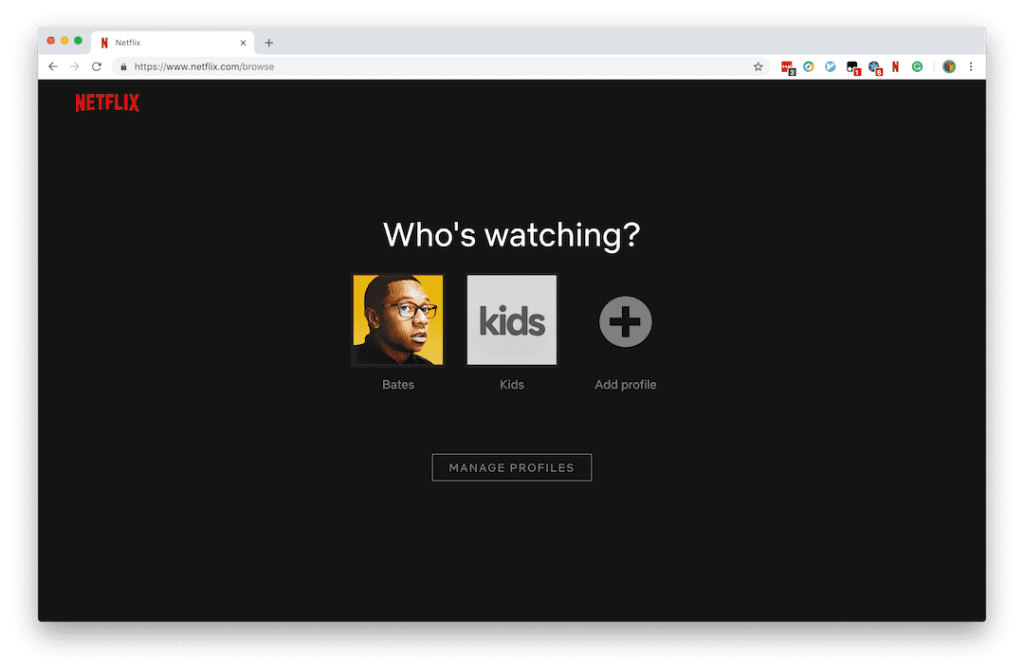
Although the credit card information is filled in, the key content of the credit card will not be displayed. When the credit card information is changed, the previous complete credit card information will not be displayed. Therefore, when sharing, there is no need to worry about the credit card information being leaked.